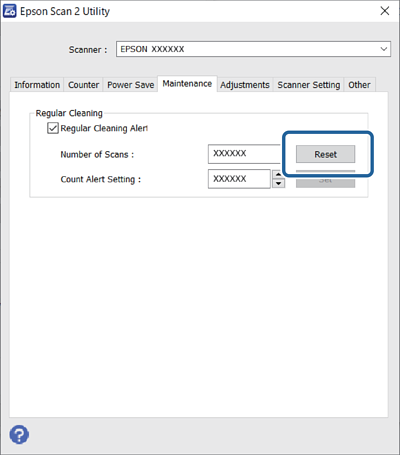
After cleaning the ADF (Regular Cleaning), reset the scan number using the control panel or the Epson Scan 2 Utility.
This section explains how to reset using the control panel.
Tap Scanner Maintenance on the home screen.
Tap Regular Cleaning.
Tap Reset the Number of Scans.
Tap Yes.
To reset using Epson Scan 2 Utility, start Epson Scan 2 Utility, click the Maintenance tab, and then click Reset from Regular Cleaning. If you cannot click Reset, select Regular Cleaning Alert.