
The scanner glass can accommodate originals up to 30 mm (1.18 in.) thick.
Book Scanning Mode allows you to efficiently scan books with the document cover open.
When scanning thick originals such as books, make sure that exterior light, such as from lamps or other sources, does not shine directly onto the scanner glass. Scanned images may contain noise or automatic document size detection may fail.
Open the document cover.

Place the original face down in the center of the scanner glass.
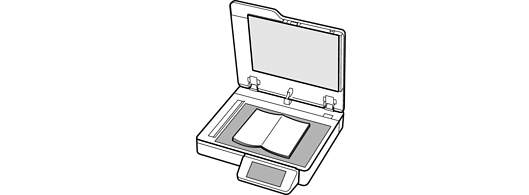
The maximum size of the original you can scan is 297.1×431.8 mm (11.7×17 in.).
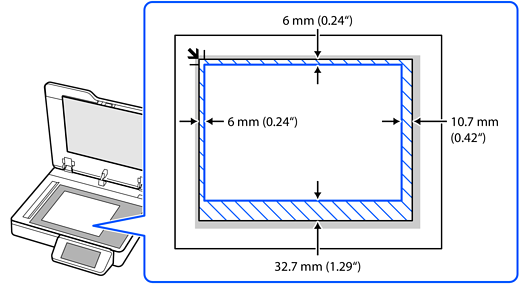
There are areas at the top, bottom, left, and right edges of the scanner glass that cannot be scanned, as shown in the illustration.
Close the document cover gently so that your original does not move.
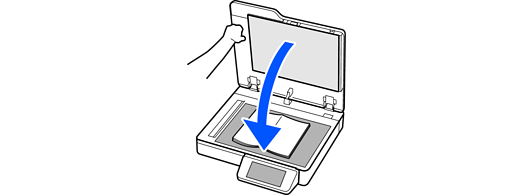
Do not press too hard on the scanner glass. Otherwise, the scanner may be damaged.

Do not press too hard on the scanner glass or document cover.