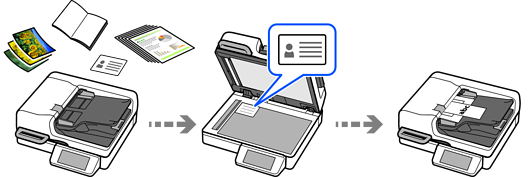
This scanner provides scanning functions that support high productivity.
You can scan various originals using two methods: the ADF (Auto Document Feeder) and the scanner glass. These include large volumes of originals and originals that cannot be scanned using the ADF, such as photos and ID cards.
You can also perform continuous scanning by combining the ADF and the scanner glass The auto size detection feature saves originals as a single file at the appropriate size, allowing you to efficiently select the optimal scanning method for each original.
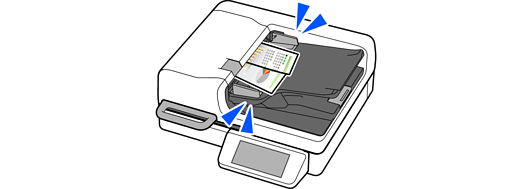
When multiple originals are about to feed into the ADF at once, the sensor installed in this product detects the issue and stops scanning.
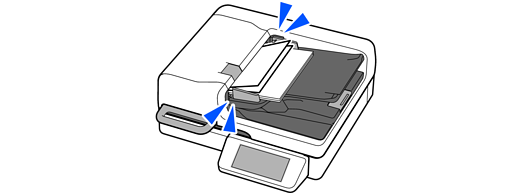
This scanner comes with a paper protection feature. If the sensor detects an error, such as when scanning a stapled document, it will stop scanning to prevent damage to the document that could be caused by a paper jam.
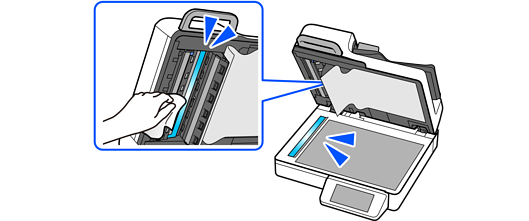
This scanner can detect dirt on the glass surface, and notify you that you need to clean the glass surface before dirt can cause lines (streaks) in the scanned images.
You can easily keep the glass surface clean, and avoid a decline in image quality.
This feature is off by default.