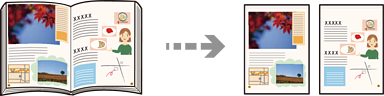
Copies two facing pages of a book onto separate sheets of paper.
Place the original on the scanner glass.
Placing Originals
Select Copy on the home screen.
Select the Advanced tab, select Book->2 Pages, and then enable the setting.
Specify Scan Order.
Tap .

 .
.