
Place the originals on the scanner glass or the ADF, and then select the Copy menu on the home screen.
Copying Originals
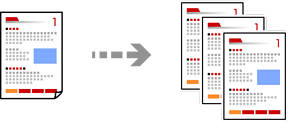
Copying on 2-Sides
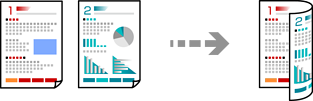
Copying by Enlarging or Reducing
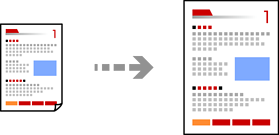
Copying Multiple Originals onto One Sheet
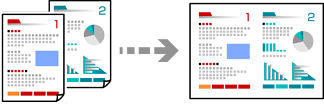
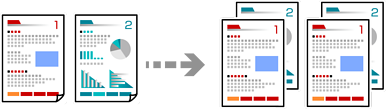
Copying in Page Order
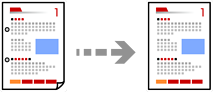
Copying Originals Without Shadows or Punched Holes
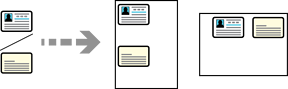
Copying the Front and Back of an ID Card onto One Side of Paper
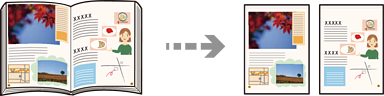
Copying Two Facing Pages onto Separate Sheets of Paper
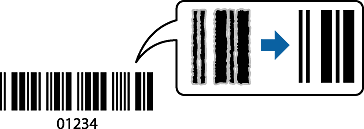
Copying Bar Codes Clearly
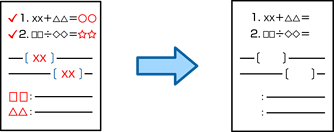
Erasing Red Characters when Copying
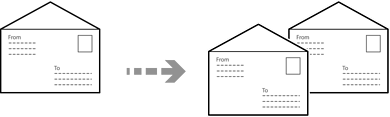
Copying Envelopes
Interrupting and Copying
