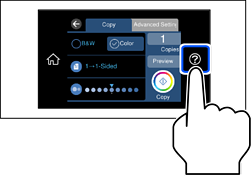
See the animations displayed on the printer's LCD screen to load paper, envelopes, or thick photo paper.
Select  , and then select How To > Load paper. Select the paper type and paper source you want to use to display the animations. Select Finish to close the animation screen.