
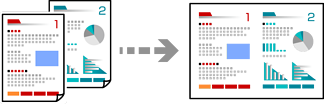
Copies two single-sided originals onto a single sheet in 2-up layout.
Load paper in the printer.
Place the originals.
Select Copy on the control panel.
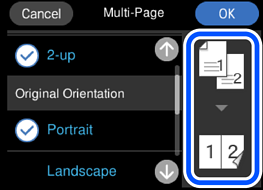
Select the Advanced Settings tab, and then select Multi-Page.
Select 2-up.
Specify Original Orientation and Original Size, and then select OK.
You can check the finished image on the right-side of screen.
Select the Copy tab.
Tap  .
.
If you select Preview, you can check the scanned image.
The color, size, and border of the copied image are slightly different from the original.