
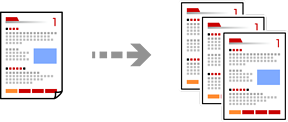
This section explains how to use the Copy menu on the control panel to copy originals.
Load paper in the printer.
Place the originals.
Select Copy on the control panel.
Select the Copy tab, and then select B&W or Color.
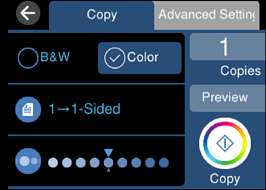
Set the number of copies.
Tap  .
.
If you select Preview, you can check the scanned image.
The color, size, and border of the copied image are slightly different from the original.