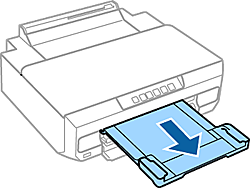
Loading Paper
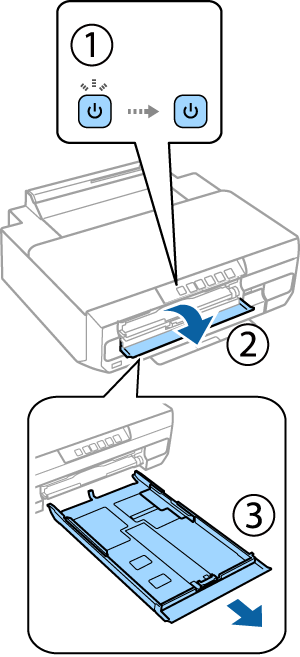
1 Make sure the power light stays on. Open the front cover and pull out the lower cassette (paper cassette 2).
|
The printer has a lower cassette and an upper cassette. Make sure you pull out the lower cassette. |
2 Slide the side edge guides to the sides of the paper cassette. Then slide the front edge guide to A4 size.
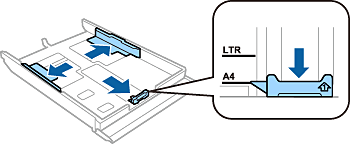
3 Load A4 paper toward the front edge guide with the printable side face-down.

|
Check that the paper is not sticking out from the end of the cassette. |
4 Slide the side edge guides to the edges of the paper.

5 Keep the cassette flat and insert it back into the printer carefully and slowly.
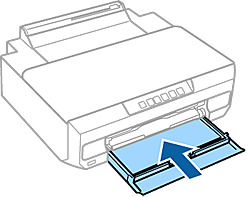
6 Pull out the output tray.