
When the output tray is extended, check that there is no paper on the tray, and then close it by selecting  or pushing it with your hand.
Raise the control panel.
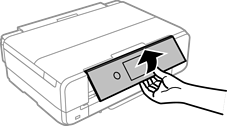
Open the front cover until it clicks.
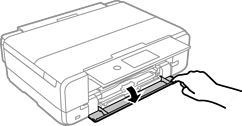
Make sure the printer is not performing any functions, and then pull out paper cassette 1. Paper cassette 1 has an alignment mark  that allows you to locate it easily.
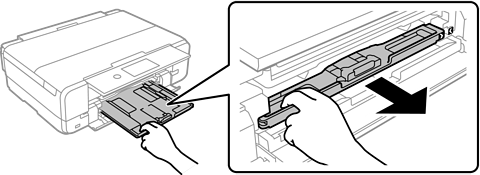
If paper cassette 1 is at the back and cannot be pulled out, turn the printer off and back on again to reposition the cassette so you can reach it.
Slide the edge guides all the way out.
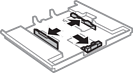
Slide the front edge guide all the way out.
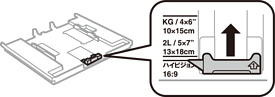
With the printable side facing down, load paper against the front edge guide.
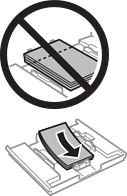
Make sure the paper does not extend beyond the triangle symbol at the end of the cassette.
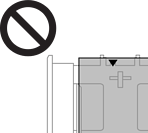
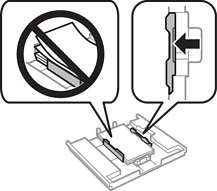
Do not load more than the maximum number of sheets specified for the paper. Do not load paper above the line indicated by the triangle symbol on the edge guide.
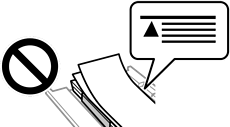
Do not load different types of paper in the cassette.
Slide the edge guide to the edge of the paper.
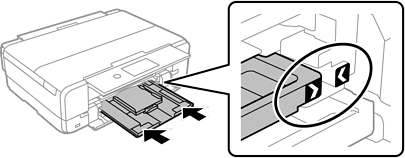
Insert paper cassette 1. Align the marks on the printer and the tray.
Select the paper size and paper type.
Check the settings, and then select Close.
The output tray slides out automatically when printing starts.