To sync with Google Workspace, sign in with your Google Workspace account using Web Config.
On a computer connected to the same network as the printer, open a browser and enter the printer's IP address.
You can check the printer's IP address using the following menu.
Enter the administrator password to log in as an administrator.
Select the following menu.
Network > Google Workspace > Sign In
Click Sign In.
Copy the authentication code displayed on this screen, and then click the URL displayed to open the authentication screen.
On the authentication screen, enter the code you copied in step 5, and then click Next.
On the Google sign in screen, enter your Google Workspace account details, and then click Next.
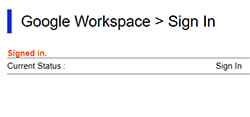
When authentication is complete, the following screen is displayed.