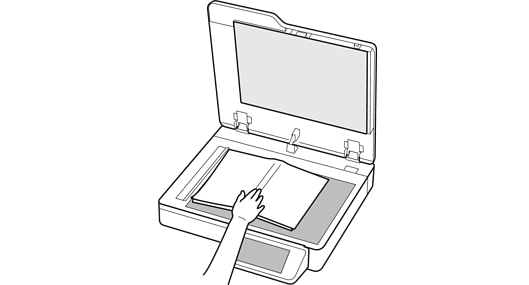
When you use Book Scanning Mode, scanning starts automatically when you open to the page you want to scan and place it on the scanner glass.
You do not need to close the document cover each time you scan.
Scanning Books Continuously (Book Scanning Mode)
Scanning Using Epson Scan 2