You can export the invoice or receipt data to MYOB AccountRight.
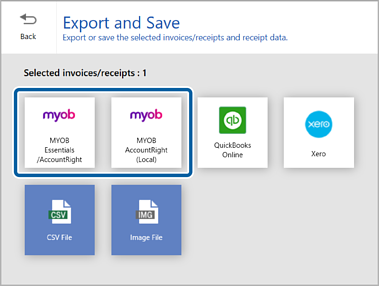
1Click MYOB Essentials/AccountRight or MYOB AccountRight(Local) in the Export and Save window.
When you have created the company file online, select MYOB Essentials/AccountRight. When you have created the company file locally, select MYOB AccountRight(Local).
When the confirmation message appears, click Yes to proceed.
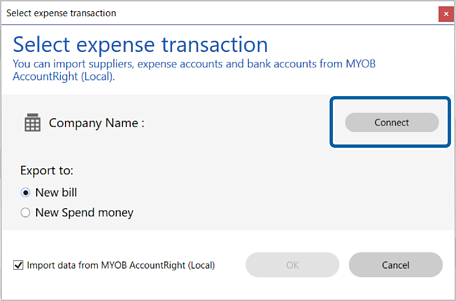
2Click Connect and log in to your MYOB AccountRight account if necessary.
3Select the expense transaction you want to export the data to.
Note:
Select the checkbox if you want to import items such as vendors and classifications from MYOB AccountRight.


 Home
Home