Start the 30-Day Free Trial
You can get full access to Epson ScanSmart Accounting Edition features for 30 days.
-
Click Manage Invoices/Receipts, then click OK.
Your trial is activated for 30 days with the scanner connected.
-
When the trial period expires, the following features are not available to use:
If you want to continue using those features, you need to purchase a license key.
-
If you want to hide the Manage Invoices/Receipts icon, do one of following:
-
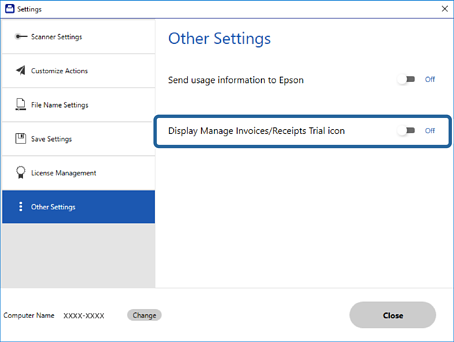
Hide the icon from the Epson ScanSmart window:
Click  Settings in the Epson ScanSmart window > Other Settings tab > Display Manage Invoice/Receipt Trial icon.
-
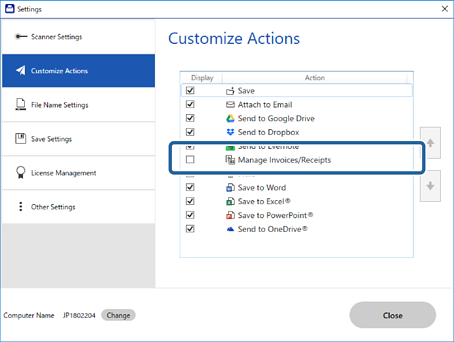
Hide the icon from the Select Action window:
Click Settings in the Epson ScanSmart window > Customize Actions tab.
Clear the Manage Invoices/Receipts checkbox.


 Home
Home