About Epson ScanSmart
About This Help
Scanning and Saving Documents
Tips
Saving as Editable Files (Microsoft® Office)
Sending to a Cloud Service
Stitching Photos
Increasing the Rate of Character Recognition
Changing Settings
Changing the Scanner
Changing the Scan Settings
Customizing Actions
Changing the File Name Settings
Changing the JPEG, PDF, and TIFF Settings
Changing the Application to Scan From the Scanner
Troubleshooting
Pressing the Scanner Button Does Not Start Scanning
Cannot Send to the Cloud Service
Scanning Speed is Slow
Files are Named with an Old Date
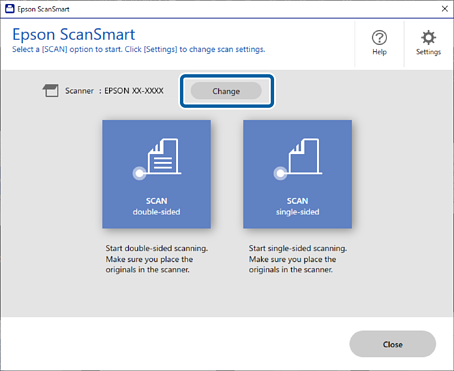
If you are using multiple Epson scanners, you can change the scanner you want to connect to your computer.
1Click Change in the Epson ScanSmart window.
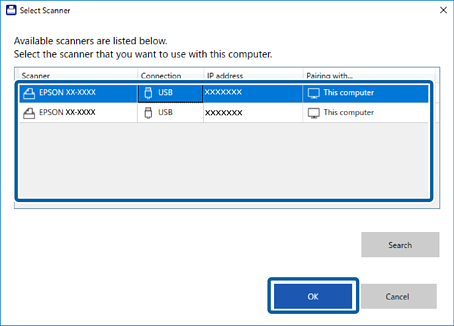
2Select the scanner that you want to use with your computer, and then click OK.
If the scanner is not connected to your computer, follow the on-screen instructions to connect it.


 Home
Home