Epson
 

    XP-970 Series

    User's Guide

    > Printing > Printing Photos > Printing Photos from a Memory Device

    Printing Photos from a Memory Device

    You can print data from a memory device such as memory card or external USB device.

    •  Image
    •  List
    • Printing Selected Photos

      • Guide to the Select Photo Screen (Tile View)

      • Guide to the Select Photo Screen (Single View)

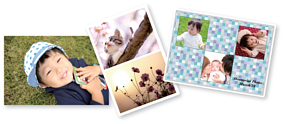
    • Printing Collages of Photos and Background Patterns

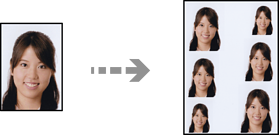
    • Printing at ID Photo Size

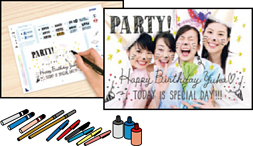
    • Printing Photos with Handwritten Notes

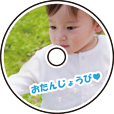
    • Printing Photos onto a CD/DVD Label

    • Printing Photos onto a Jewel Case Jacket

    • Menu Options for Printing from the Control Panel

      • Menu Options for Selecting Photos

      • Menu Options for Paper and Print Settings

      • Menu Options for Editing Photos

    • Printing Selected Photos

    • Printing Collages of Photos and Background Patterns

    • Printing at ID Photo Size

    • Printing Photos with Handwritten Notes

    • Printing Photos onto a CD/DVD Label

    • Printing Photos onto a Jewel Case Jacket

    • Menu Options for Printing from the Control Panel

    Print Selected Pages

    © 2023 Seiko Epson Corp.