-
-
-
-
-
-
Network Service and Software Information
-
Application for Scanning Documents and Images (Epson Scan 2)
-
Application for Configuring Scanning Operations from the Control Panel (Epson Event Manager)
-
Application for Quick and Fun Printing from a Computer (Epson Photo+)
-
Application for Easily Operating the Printer from a Smart device (Epson Smart Panel)
-
Application for Updating Software and Firmware (EPSON Software Updater)
-
-
-
Disconnecting Wi-Fi Direct (Simple AP) Connection from the Control Panel
When Wi-Fi Direct (Simple AP) connection disabled, all computers and smart devices connected to the printer in Wi-Fi Direct (Simple AP) connection are disconnected. If you want to disconnect a specific device, disconnect from the device instead of the printer.
-
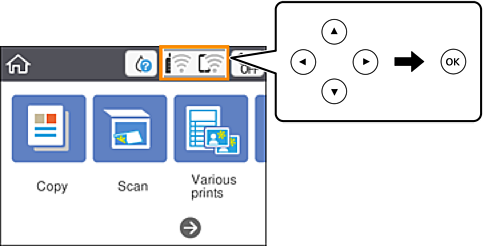
Select
 on the home screen.
To select an item, use the


 buttons, and then press the
OK button.
buttons, and then press the
OK button.
-
Select Wi-Fi Direct.
The Wi-Fi Direct information is displayed.
-
Press the OK button.
-
Select Change.
-
Select Disable Wi-Fi Direct.
-
Press the OK button.
-
When a completion message is displayed, close the screen.
The screen automatically closes after a specific length of time.
-
Press the
 button.