Exporting and Importing the Invoice/Receipt Database
You can export and import the invoice/receipt database. This is useful when you change computers.
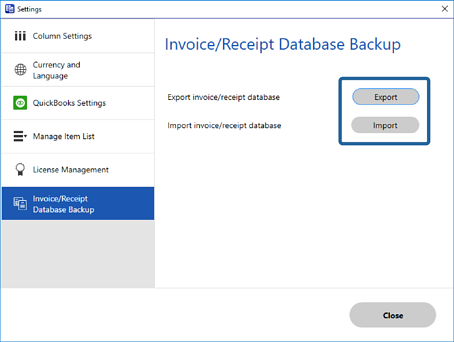
Click  Settings on the Invoice/Receipt Manager window > Invoice/Receipt Database Backup tab > Export or Import.
Note:
-
When you import a new invoice/receipt database, the current data is overwritten.
-
To Export and Import the invoice/receipt database, make sure you use the same version of Epson ScanSmart.