Scanning Instant Photos

Before scanning, check the specification of instant photos you can scan.
|
Size |
Measurement |
Paper Type |
Loading Capacity |
|---|---|---|---|
|
Instant camera size |
89 × 102 mm (3.5 × 4.0 in.) |
Instant camera photographic paper (sheet film type only) |
1 sheet |
When scanning instant photos, the double feed detection feature is turned off to prevent misdetection. Instant camera photographic paper is usually layered, so it is detected as double fed in normal scanning settings.
-
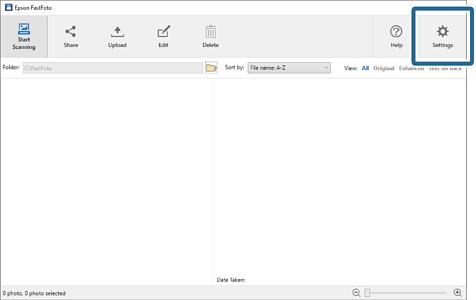
Change the scan setting before scanning. Click Settings on the main screen.
-
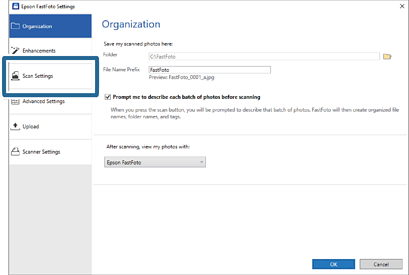
Click the Scan Settings tab.
-
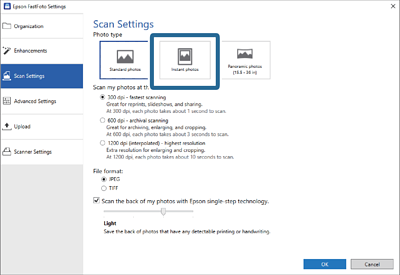
Select Instant photos.
-
Click OK to apply the settings.
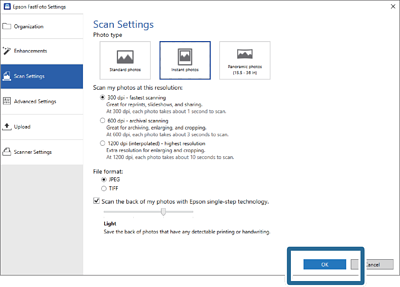
If you want to scan other types of photos after scanning, change the photo type on the Scan Settings tab.
