/
Tips for Using Epson FastFoto /
Changing the Application to Scan from the Scan Button
Changing the Application to Scan from the Scan Button
You can change the default application that starts when you press the scan button.
-
Click Settings on the main screen.
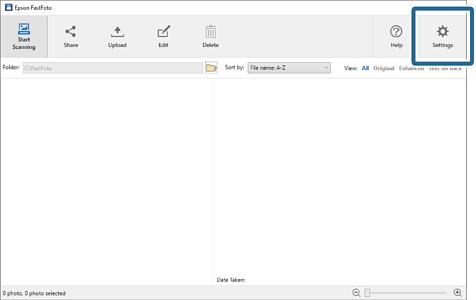
The Epson FastFoto Settings screen is displayed.
-
Click Select Application on the Scanner Settings tab.
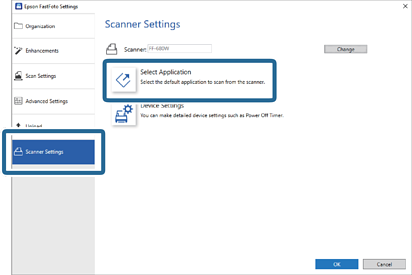
-
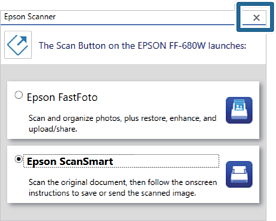
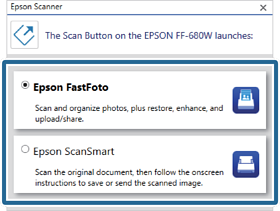
Select the application that starts when you press the scan button.
-
Epson FastFoto: Launches Epson FastFoto. This application is suitable for scanning and saving photos.
-
Epson ScanSmart: Launches Epson ScanSmart. This application is suitable for scanning and saving documents.
Note:Epson FastFoto is selected as the default setting.
-
-
After selecting the application, close the screen to apply the setting.