Scanner Settings Tab
You can change the scanner settings, such as the scanner to use, the scanning application that starts when you press the scan
button, or device settings.
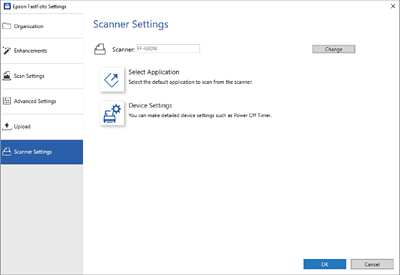
- Scanner
-
The scanner in use is displayed. If you want to use another scanner, click Change.
- Select Application
-
Selects the default application that starts when you press the scan button.
- Device Settings
-
Sets the scanner device setting (power off timer, etc).