/
Epson FastFoto Settings
Epson FastFoto Settings
You can change the application settings, such as the file format, scanning resolution, folder to save, and more.
-
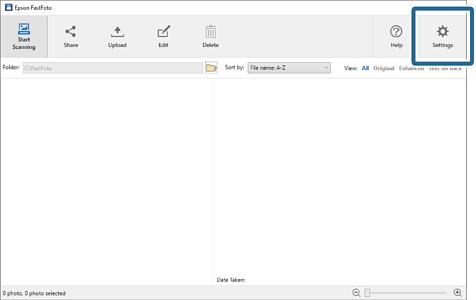
1Click Settings on the main screen.
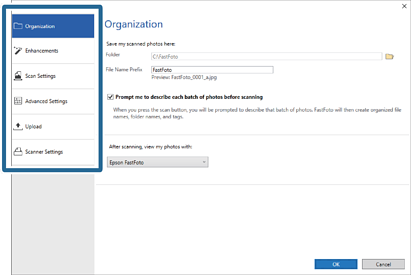
The Epson FastFoto Settings screen is displayed.
-
2Select one of the tabs, and then change the settings.