Available destination items are subject to change without notice.
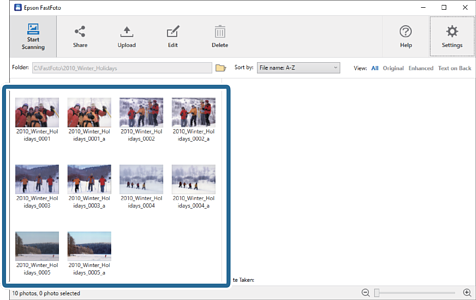
1Select the images you want to share.
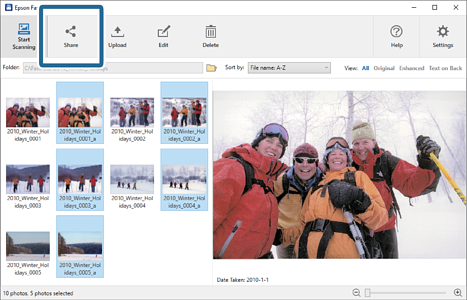
2Click Share.
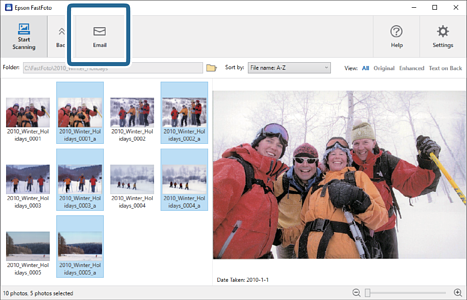
3Click Email.
Selected images are automatically attached in a new email. Enter the necessary information and send the email.
Note:
If you do not have a default email client application set up, you will be prompted to do so before you can send any images.
Epson FastFoto does not support web-based email, such as Gmail.


 Home
Home