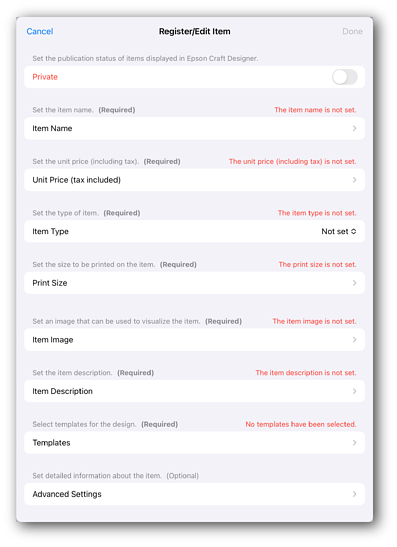
Step 2. Register a new item
This section explains the procedure for registering new items that will be handled in the store.
-
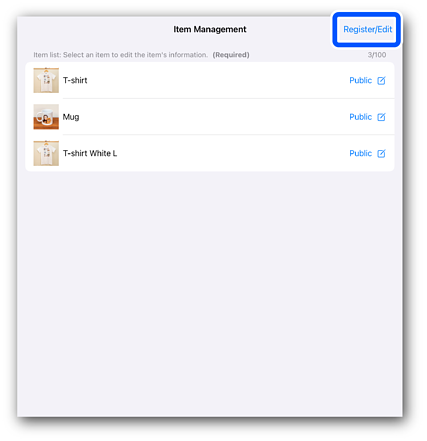
Tap Create / Edit.
-
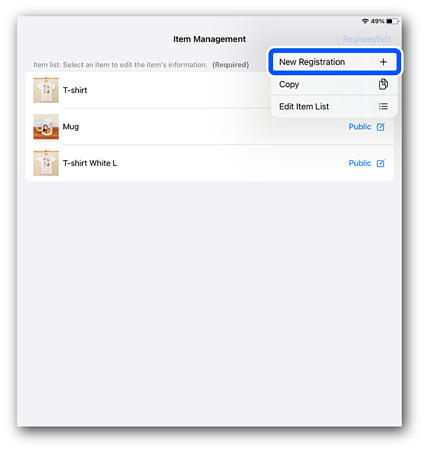
Tap Create New Item.
The item registration/editing screen is displayed.
-
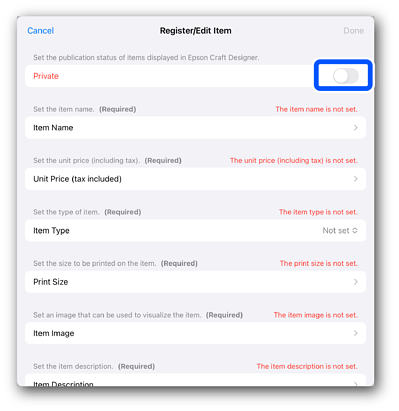
Set the item's publication settings to Private (hidden) to prevent the registered item from being accidentally displayed on the order screen.
-
Tap each item to make settings. See the following link for detailed instructions.