/
Registering Items (Craft Admin) /
Required Settings /
Step 2. Register a new item /
Setting the Unit Price for Items
Setting the Unit Price for Items
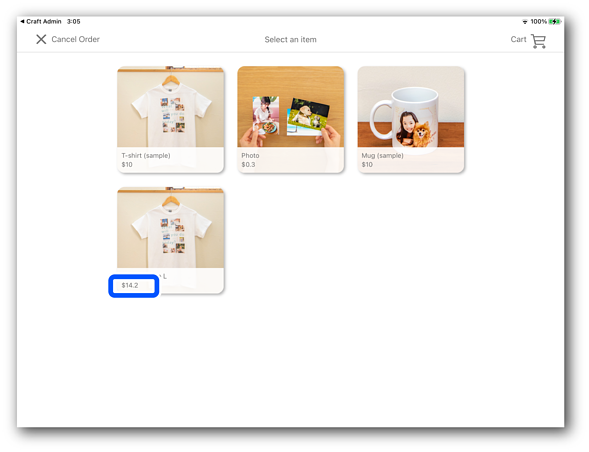
Set the Unit Price (tax included) for items sold in the store.
Information set in Craft Admin is reflected in Craft Designer.
Note:
This is displayed when you enable Component Visibility Settings > Display the price in Preferences.

-
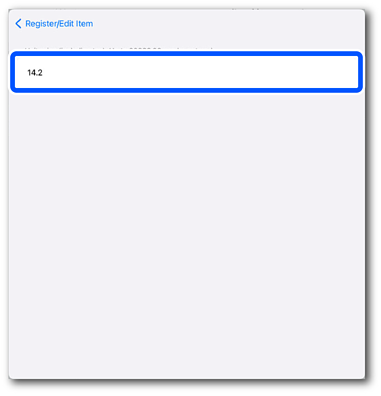
Enter the Unit Price (tax included) as a number. (Range: 0.0 to 99999.99)
Note:Although you can enter 0.0, it cannot be set as the Unit Price (tax included).
-
Tap Done to return to the Create / Edit Item screen.
Related Information
